
Harness React for Real-Time Inventory Management in Shopify
Xavierapps
Author
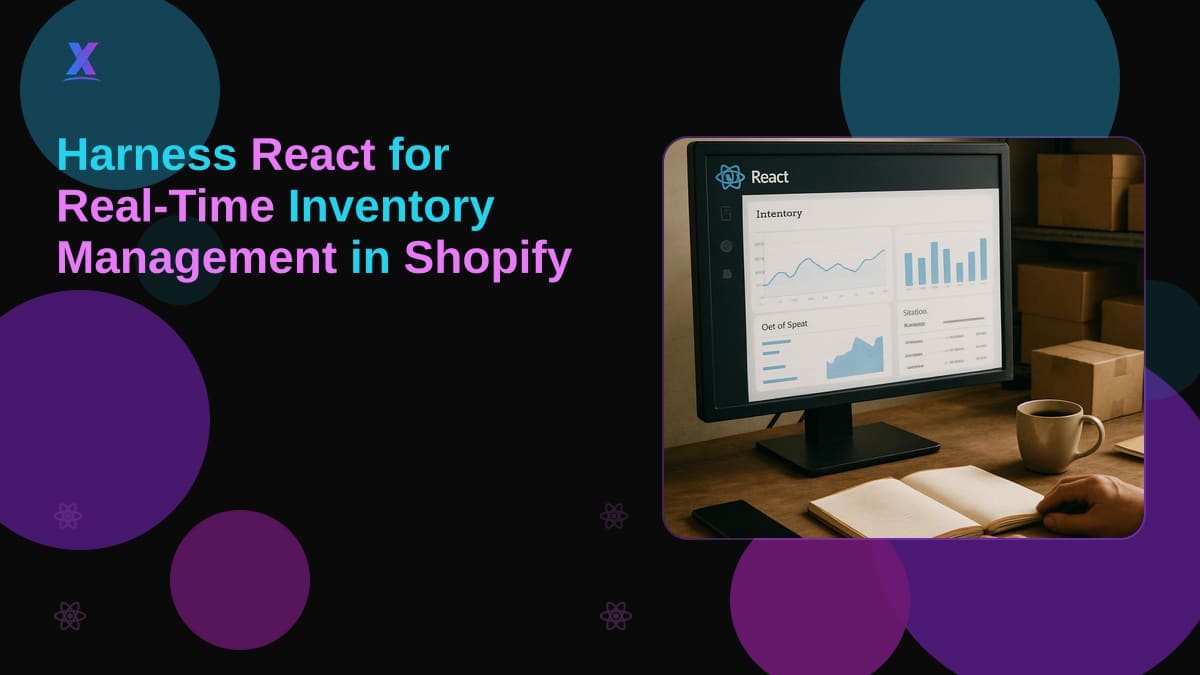
Why Build a React Dashboard for E-commerce Inventory Management on Shopify?
A React dashboard for e-commerce inventory management gives Shopify merchants real-time visibility across store data without the lag and errors that come with spreadsheets or native admin tools. If you are managing inventory at scale on Shopify, a custom React-based dashboard is one of the more practical ways to close the gap between what your data shows and what your operations actually need.
The core advantage is reactivity. React's component model updates the UI the moment underlying data changes, which matters when you are tracking stock levels across multiple locations simultaneously. One project in the Xavierapps pipeline involves a single React dashboard managing real-time inventory across six Shopify stores. The driver behind that build is straightforward: native Shopify admin cannot consolidate cross-store data the way a purpose-built interface can.
The architecture also scales. You start with a handful of SKUs and a simple inventory view, then add components, extend API calls, and layer in new data sources as your catalog grows, without rebuilding from scratch. That is a meaningful difference from spreadsheet solutions that break under load.
The user experience argument holds up too. A well-built React dashboard lets warehouse staff, buyers, and ops managers each get a view optimized for their workflow, not a generic admin screen designed for everyone and tuned for no one.
How Do You Integrate a React Dashboard with Your Shopify Store?
The integration path has a few non-negotiable pieces: a Node.js backend, the Shopify API, and OAuth for authentication.
Start with your environment. Node.js runs server-side to handle API requests, session management, and webhook processing. React sits on the frontend, consuming data from your Node layer rather than calling Shopify directly from the browser. This separation keeps API credentials secure and gives you a clean place to handle rate limiting and data transformation before anything hits the UI.
For inventory management specifically, you will work with the Inventory API (for levels and adjustments), the Product API (for variants and SKU data), and potentially the Fulfillment and Location APIs for multi-location fulfillment. GraphQL is worth using over REST for most of these calls. It lets you fetch exactly the fields your dashboard needs in a single request, which keeps the UI fast and reduces API call volume.
Authentication uses OAuth. Shopify's OAuth flow issues an access token scoped to the permissions your app requests. Store that token server-side in your Node layer, never in the browser. Every React component that needs store data requests it from your Node API, which attaches the token and forwards the call to Shopify. This pattern also supports multiple stores from one dashboard, since your backend manages tokens per store.
TypeScript on both the frontend and backend is worth the setup cost. When you are handling Shopify's data structures, having typed interfaces for products, variants, and inventory levels catches integration errors early rather than at runtime.
What Custom Features Make Shopify Apps More Useful with React?
Native Shopify admin covers the basics. A custom React admin panel built for your specific workflows can go considerably further.
Bulk product editing is one of the highest-demand features. Consider a buyer who needs to update cost prices, set new inventory thresholds, and adjust metafields across 300 variants before a seasonal changeover. Doing that in standard Shopify admin is tedious. A React panel with an editable data grid and batch save logic turns that into a few minutes of work.
Metafield management is underused in most Shopify stores, mostly because the native interface is not built for high-volume updates. A React dashboard can expose metafields in context, next to the product or variant they belong to, with inline editing and validation. This is particularly valuable for merchants using metafields to drive storefront logic, custom fulfillment rules, or downstream ERP integrations.
Custom analytics beyond native Shopify reports is the third area worth building out. Shopify's built-in reporting handles revenue and orders well, but inventory analytics, sell-through rates, reorder point tracking, and multi-store stock consolidation require custom queries. A React frontend pulling from a Node.js backend that aggregates Shopify data can surface the metrics that actually drive purchasing decisions. One partnership currently in exploration is targeting exactly this: merchant analytics that go beyond what the default Shopify reporting layer exposes.
The internal result that validates this category: replacing a spreadsheet-based ops workflow with a React ops panel produced a 40% reduction in listing errors. Structured data entry with validation, real-time feedback, and direct API writes to Shopify eliminates the copy-paste and manual sync steps where errors accumulate.
FAQ
How can a React dashboard improve my Shopify store's inventory management?
A React dashboard for e-commerce inventory management provides real-time updates that reduce lag and manual errors in stock tracking. It supports bulk editing and metafield management in a single interface, removing the multi-step process of working through standard Shopify admin. The component-based architecture lets you build views tailored to specific roles (ops, buying, fulfillment) without building separate tools.
What are the steps to integrate a React app with Shopify for inventory management?
Set up a Node.js backend to handle Shopify API requests and session management, then build your React frontend to consume data from that backend layer. Use Shopify's OAuth flow to obtain and store access tokens securely on the server side, scoped to the inventory and product permissions your dashboard requires. From there, GraphQL queries against the Shopify API give you efficient access to the specific data your UI needs.
What are the benefits of custom Shopify apps developed with React and Node.js?
Custom Shopify apps built with React can address operational workflows that off-the-shelf apps do not cover, such as multi-store inventory consolidation or role-specific dashboards. Advanced analytics built on top of Shopify API data give merchants insight into sell-through rates and reorder points that native reports miss. The architecture scales as your catalog and store count grow, without requiring a full rebuild.
About Xavierapps
Xavierapps is a full-stack Shopify and web development agency specializing in custom Node.js and React development, along with React Native, CRM integrations, and headless Shopify builds. The team works with merchants and partners who need purpose-built tools that go beyond what standard Shopify apps provide. You can explore their published Shopify apps at the Xavierapps partner store.
Written by Xavierapps
Curating the best insights in technology and creative design.