
Key Recommendations for Shopify Checkout Field Settings
Xavierapps
Author
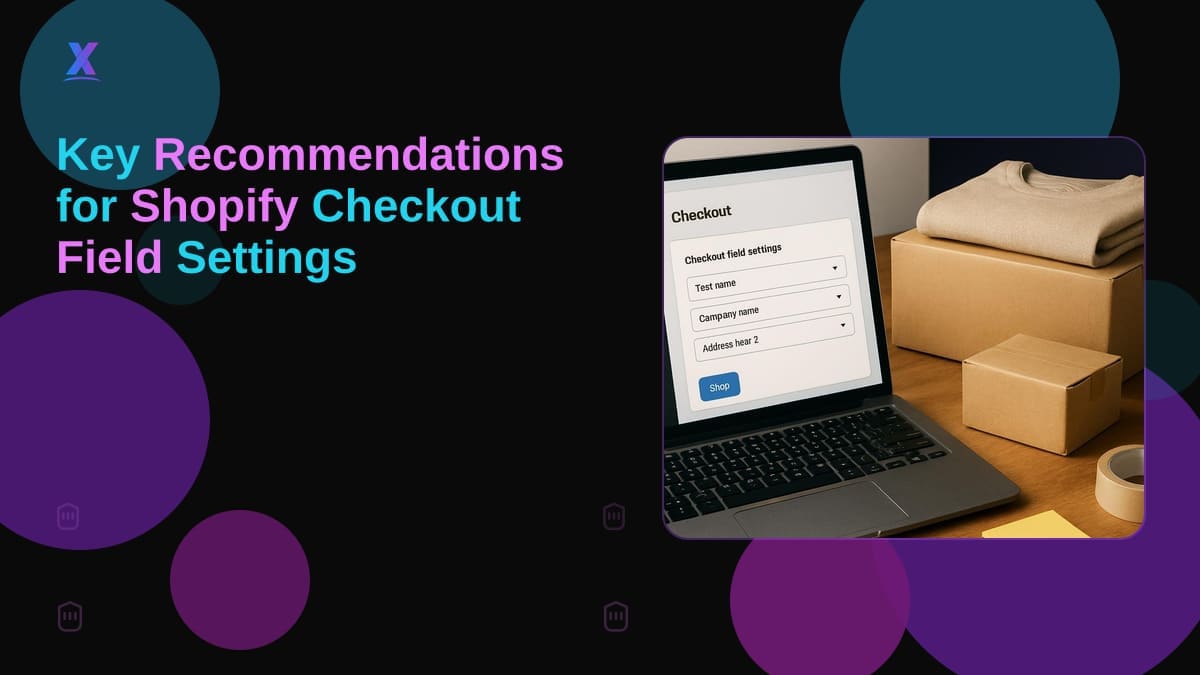
Recommended Changes to Checkout Field Settings Are Now Available: What Shopify Merchants Should Do This Week
Shopify now surfaces personalized recommendations for checkout field settings directly in your admin, and eligible Shopify merchants should review and act on them before the end of the week. Leaving a flagged friction point in your checkout untouched, when Shopify is handing you a store-specific fix, is a straightforward way to lose conversions you could have kept.
This is not a cosmetic update. Checkout field configuration directly affects conversion, and every unnecessary field adds drop-off risk, particularly on mobile. The fact that Shopify is surfacing store-specific recommendations rather than generic documentation signals they have enough aggregate data to identify what is hurting your particular store type. That context matters when you are deciding how to prioritize dev time this week.
What Are the Recommended Changes to Checkout Field Settings?
As of August 13, 2026, Shopify confirmed that eligible stores can now receive personalized recommendations for customer information settings from the Checkout settings page inside Shopify admin. This is not a blanket change pushed to all stores. Your store has to qualify, and the recommendations are tailored to your specific configuration.
To find them: navigate to Settings, then Checkout. If your store is eligible, the recommendations appear in the customer information section, which controls what data you collect before or during the checkout flow.
Shopify checkout is the final gate before revenue. Fields that feel routine to you may read as friction to a customer on mobile. Shopify's ability to flag which fields to trim or restructure, based on data from stores like yours, is a shortcut past the usual A/B testing cycle.
What Shopify Merchants Should Decide and Implement Now
Before you apply anything, audit your current state. Open your Checkout settings and document which customer information fields you currently require, which are optional, and which are hidden. Then compare that against what Shopify is recommending.
The decision framework is direct:
If Shopify recommends making a field optional and you currently require it, ask whether your fulfillment, marketing, or compliance workflow actually depends on that mandatory status. If not, make it optional.
If a field is flagged for removal or suppression, verify whether any downstream app or integration reads from that field before you drop it.
If a recommendation conflicts with regulatory requirements for your market (VAT number collection for B2B orders in certain regions, for example), override it and document why. Compliance is not negotiable.
Merchants most likely to benefit immediately are those running standard DTC stores with default checkout setups that have never been deliberately optimized. If you launched your Shopify store with out-of-the-box settings and never revisited them, treat these recommendations as a priority this week.
Mistakes That Waste Budget Before Your Shopify Store Changes Go Live
The most common mistake is applying every recommendation in a batch without validating downstream impact. That is the fastest way to break an integration and spend a week on rework.
Prioritize fields that Shopify flags as unnecessary for most stores in your category. These are low-risk changes that reduce checkout length and typically improve mobile completion rates.
Do not remove fields that feed into order tagging, third-party fulfillment systems, or loyalty apps without first auditing those integrations. A field that looks optional in the checkout UI may be required by your 3PL or CRM.
When to bring in a Shopify development agency: if your checkout uses Checkout Extensibility components, or if you are on Shopify Plus with customized checkout logic, applying recommendations through the admin UI alone may not be sufficient. The recommendations are still a useful baseline, but implementation requires someone who understands how your extensions interact with native field configuration. In those cases, a Shopify app development company with checkout experience is worth the engagement.
Apps can also factor into this decision. If you need to layer bundle offers or wishlist capture near checkout, tools like Bundle Wave By Xavier and Wishlist Flow By Xavier from Xavierapps are built to work within Shopify's checkout architecture without creating field-level customization debt.
Implementation Checklist for This Week
Work through this before you touch any setting.
Confirm eligibility. Go to Settings, then Checkout in your Shopify admin. If you see personalized recommendations, your store qualifies. If not, check back, as the rollout is staged.
Screenshot your current configuration. Before changing anything, document what is active. This is your rollback reference.
Map each recommended change to your ops workflow. For every flagged field, verify with your fulfillment, marketing, and compliance stakeholders whether removing or making it optional creates a gap.
Make one change at a time. Do not apply all recommendations in a single batch. Push one change, monitor order data for 48 hours, then proceed.
Test checkout on mobile. Most checkout drop-off happens on mobile. After each change, run a complete test purchase on a real mobile device, not just browser dev tools.
Update any app or integration documentation that references the fields you changed.
FAQ
What are the recommended changes to checkout field settings in Shopify?
Shopify's recommended changes to checkout field settings are personalized suggestions for your customer information configuration, surfaced directly in the Checkout settings page of your Shopify admin. They are store-specific, not generic, meaning Shopify uses data from stores with similar setups to flag which fields may be creating unnecessary friction. Eligible merchants can find them under Settings, then Checkout.
Which Shopify apps work well alongside checkout field optimization?
Shopify apps built for checkout-adjacent features, such as bundle offers and wishlist capture, should be evaluated alongside any field setting changes. Bundle Wave By Xavier and Wishlist Flow By Xavier are two Shopify apps designed to work within the platform's standard checkout architecture. You can browse the full Xavierapps app portfolio at apps.shopify.com/partners/xavierapps.
When should I hire a Shopify development agency for checkout changes?
Hire a Shopify development agency when your store uses Checkout Extensibility components, custom checkout logic, or integrations that depend on specific field data. Standard admin-level changes are self-serviceable for most merchants, but complex setups require someone who can trace how each field change propagates through your tech stack. If a recommendation conflicts with your business rules, a custom dev approach is more reliable than forcing a generic fix.
About Xavierapps
Xavierapps is a full-stack Shopify development agency building custom solutions across Shopify, React, Node.js, React Native, and CRM platforms. Their Shopify app portfolio includes Bundle Wave By Xavier, a Shopify bundle app for product bundling and BOGO offers, and Wishlist Flow By Xavier, a Shopify wishlist app with save-for-later functionality. Browse their apps at apps.shopify.com/partners/xavierapps.
Written by Xavierapps
Curating the best insights in technology and creative design.